LESS WORRY. MORE HOME.

Your household bills.
All under control.

Spending, due dates and documents. Enjoy the simplicity of having everything in one place.

Made for iPhone and iPad.

My Home Bills statistics in English, showing spending by category and a year selector.
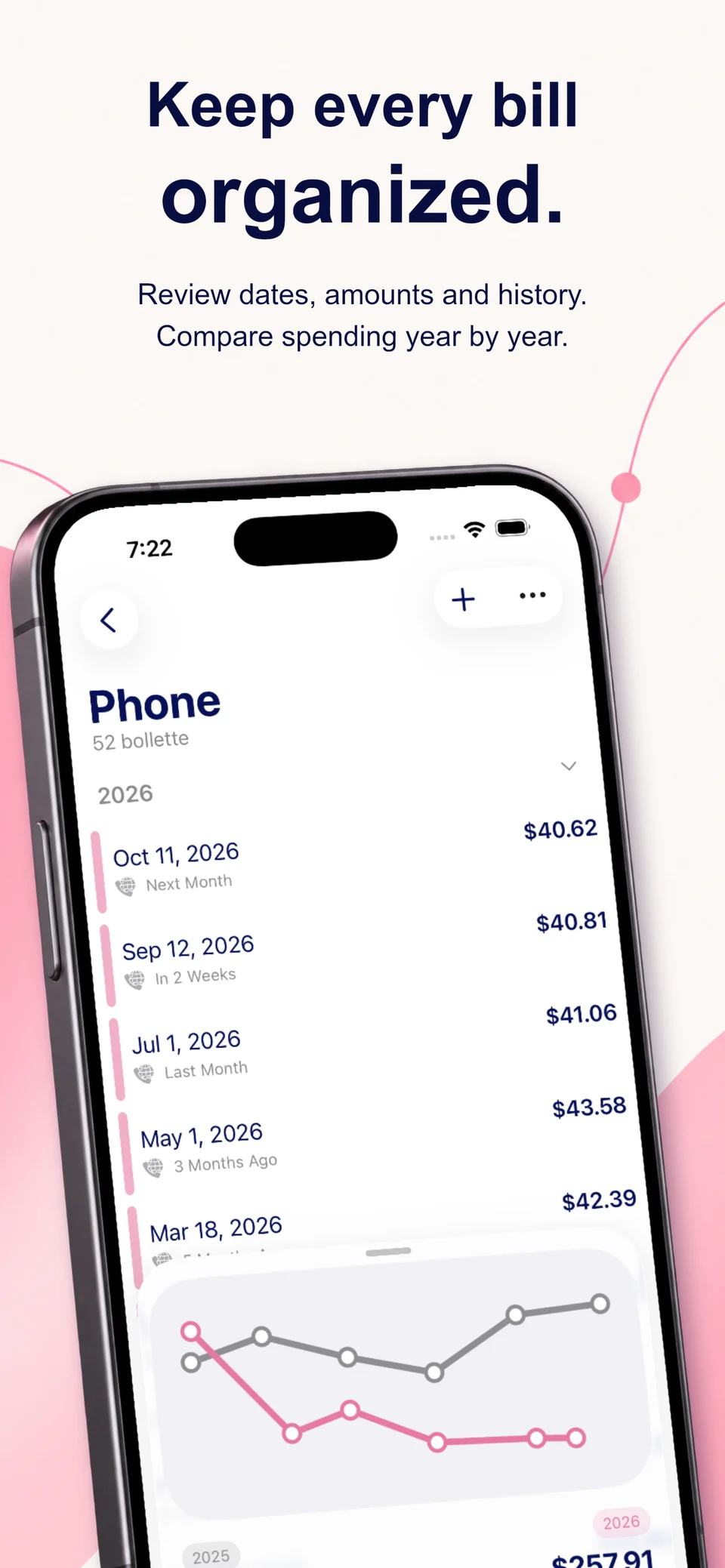
Bill history in English with dates, amounts and a year-over-year comparison chart.
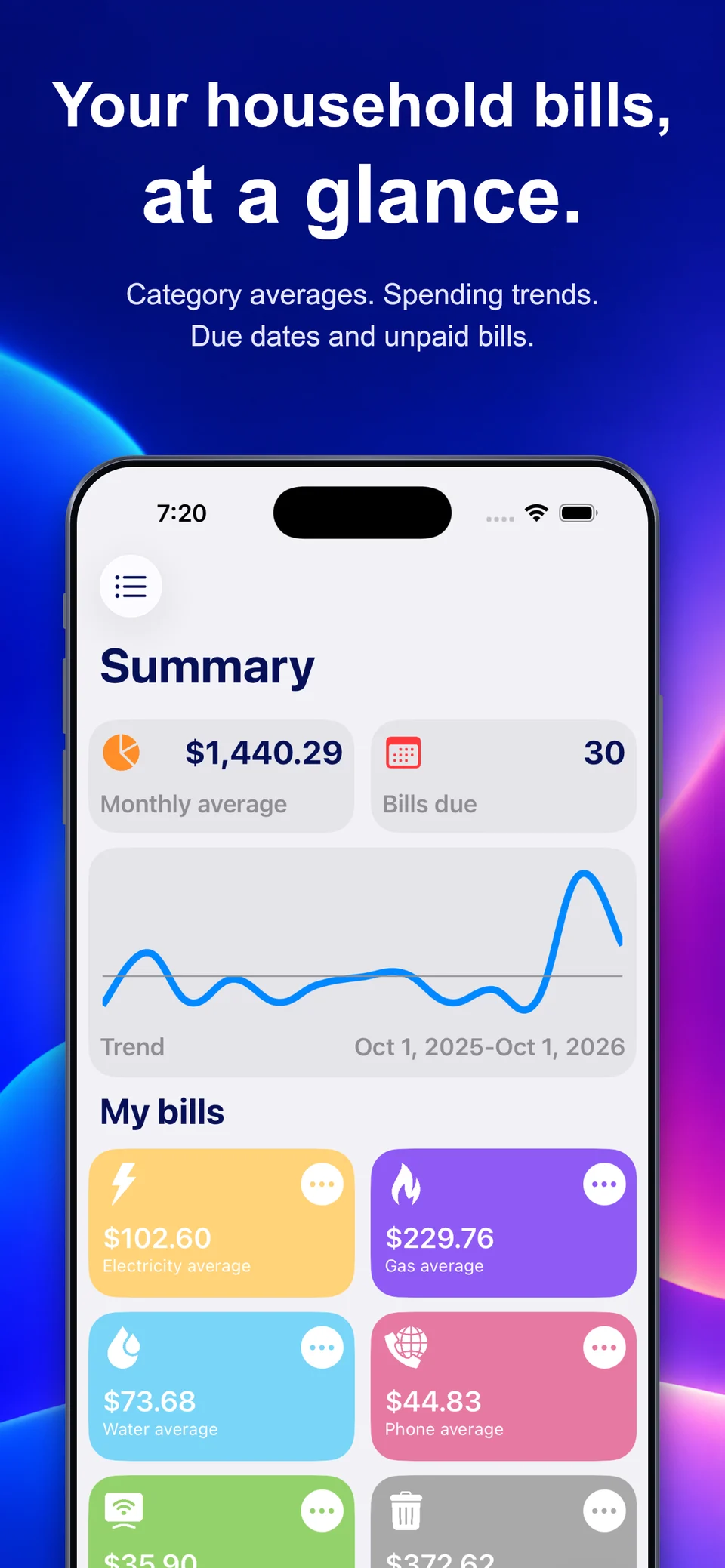
My Home Bills summary: monthly averages, spending trend and categories.
Trends, made clearSee how your spending changes.
Spending, sortedA space for every category.

YOUR HOME, AT A GLANCE

A clearer picture.
In a glance.

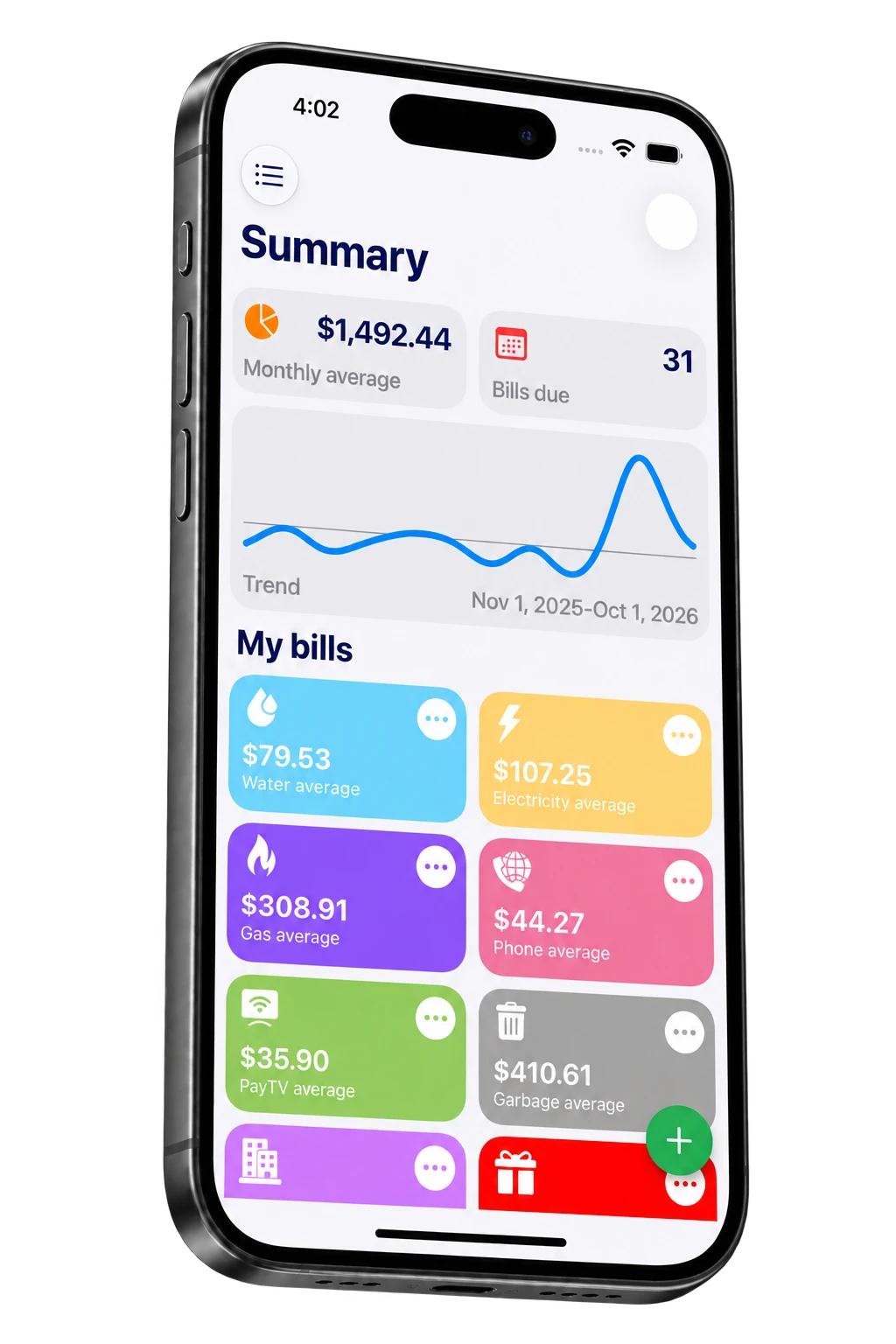
You don’t have to keep it all in your head. Open My Home Bills for a clear view of your spending, from monthly averages to upcoming bills.

Spending, sorted

A space for every category.

Trends, made clear

See how your spending changes.

Due dates, in sight

Know what’s paid and what’s next.

Complete 3D iPhone showing the My Home Bills summary in English.

FROM THE BIG PICTURE TO EVERY DETAIL

Less clutter.
More clarity.

SPENDING INSIGHTS

See where your
money goes.

Make sense of the numbers. Explore spending by category, look back through the years and see how each expense adds up.

  • Spending breakdown by category
  • Statistics for each year

A fresh perspective on everyday spending.
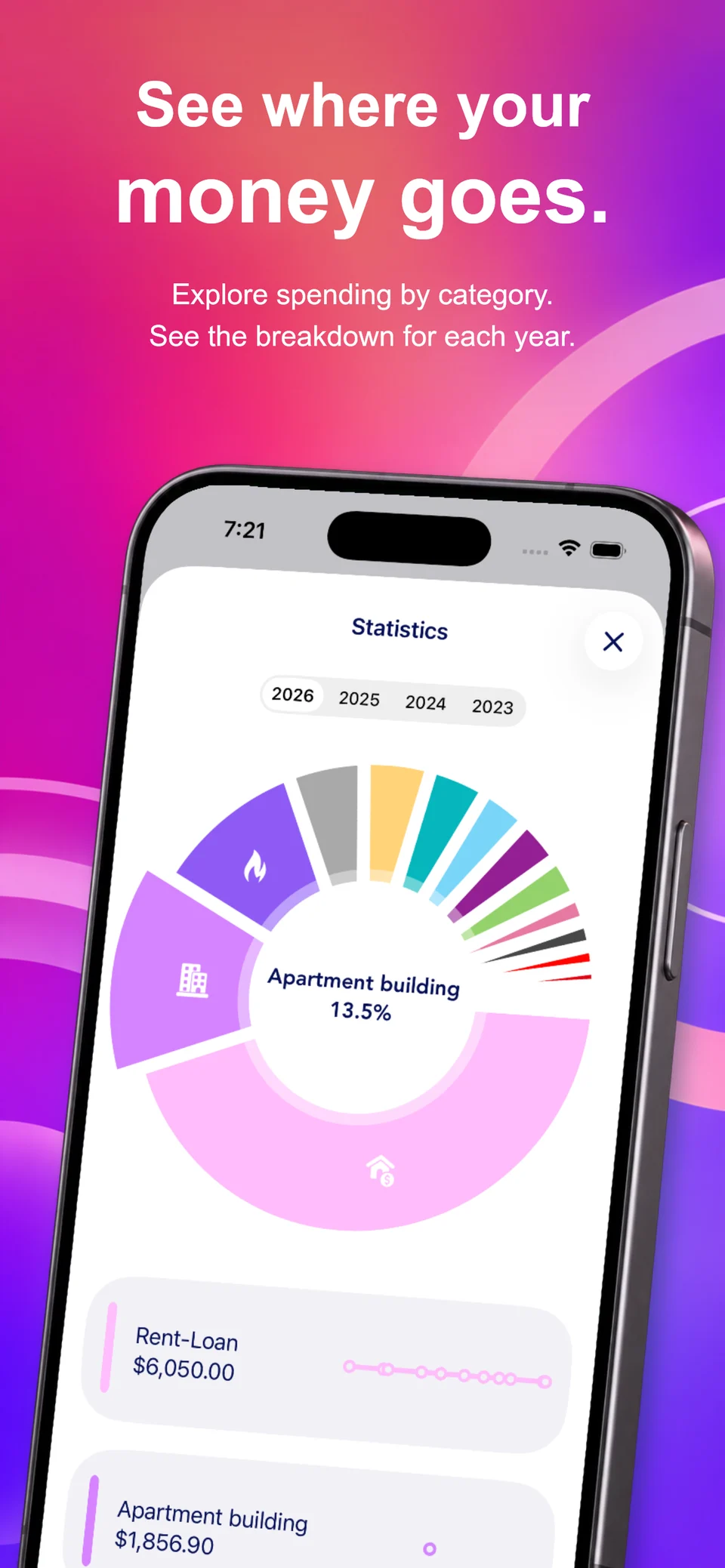
My Home Bills statistics in English, showing spending by category and a year selector.

HISTORY & COMPARISONS

Every bill.
Right where it belongs.

Amounts, dates and payments, neatly organised. Browse the history of each category and compare your spending year by year.

  • Bill history by category and year
  • Compare spending over time

Let the past make the present clearer.

Bill history in English with dates, amounts and a year-over-year comparison chart.

DOCUMENTS & RECEIPTS

Every bill.
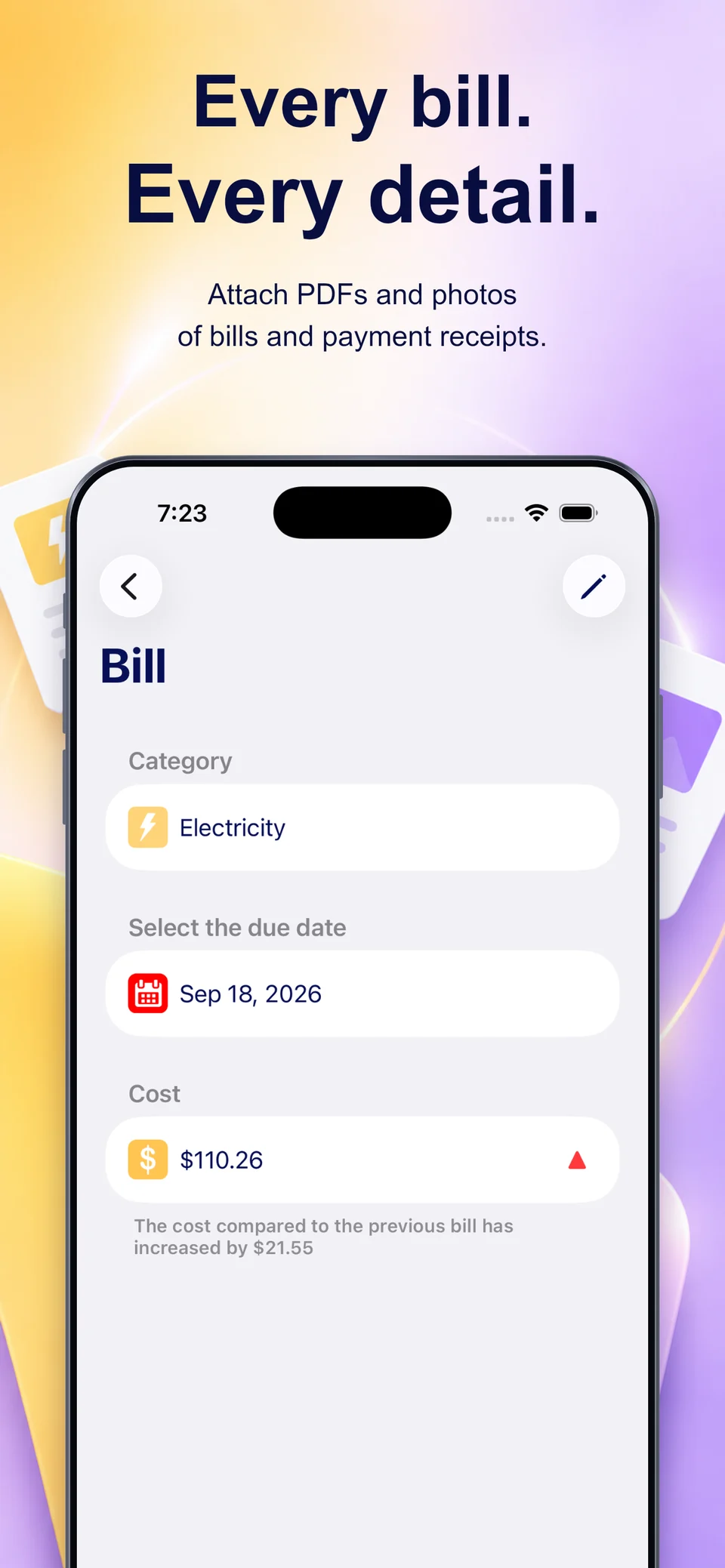
Every detail.

Keep PDFs, photos and payment receipts with the bill they belong to. When you need a document, you know just where to look.

  • PDF and photo attachments
  • Amounts and due dates within reach

Fewer loose papers. More peace of mind.

Bill details in English with category, due date and cost.

LITTLE THINGS. EVERY DAY.

Takes care of the details.
Gives you room to breathe.

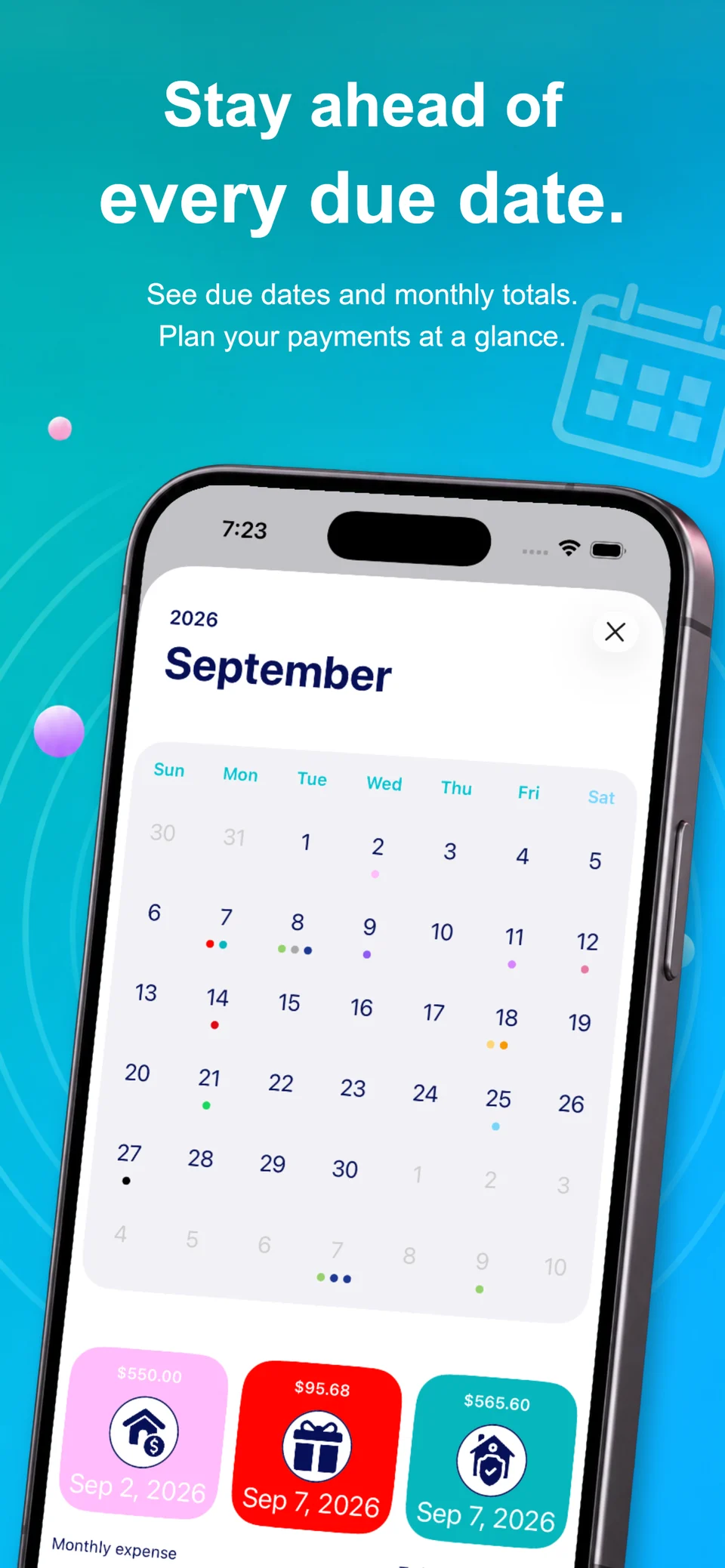
Your household calendar.

See your due dates in a dedicated view and plan ahead.

A place for every category.

Electricity, gas, water and more. Keep every expense in its place.

Just a glance away.

Widgets bring your upcoming bills straight to your Home Screen.

Recurring, without starting over.

Manage the bills that repeat with recurrence rules.

iPHONE + iPAD + iCLOUD

More room.
Just as simple.

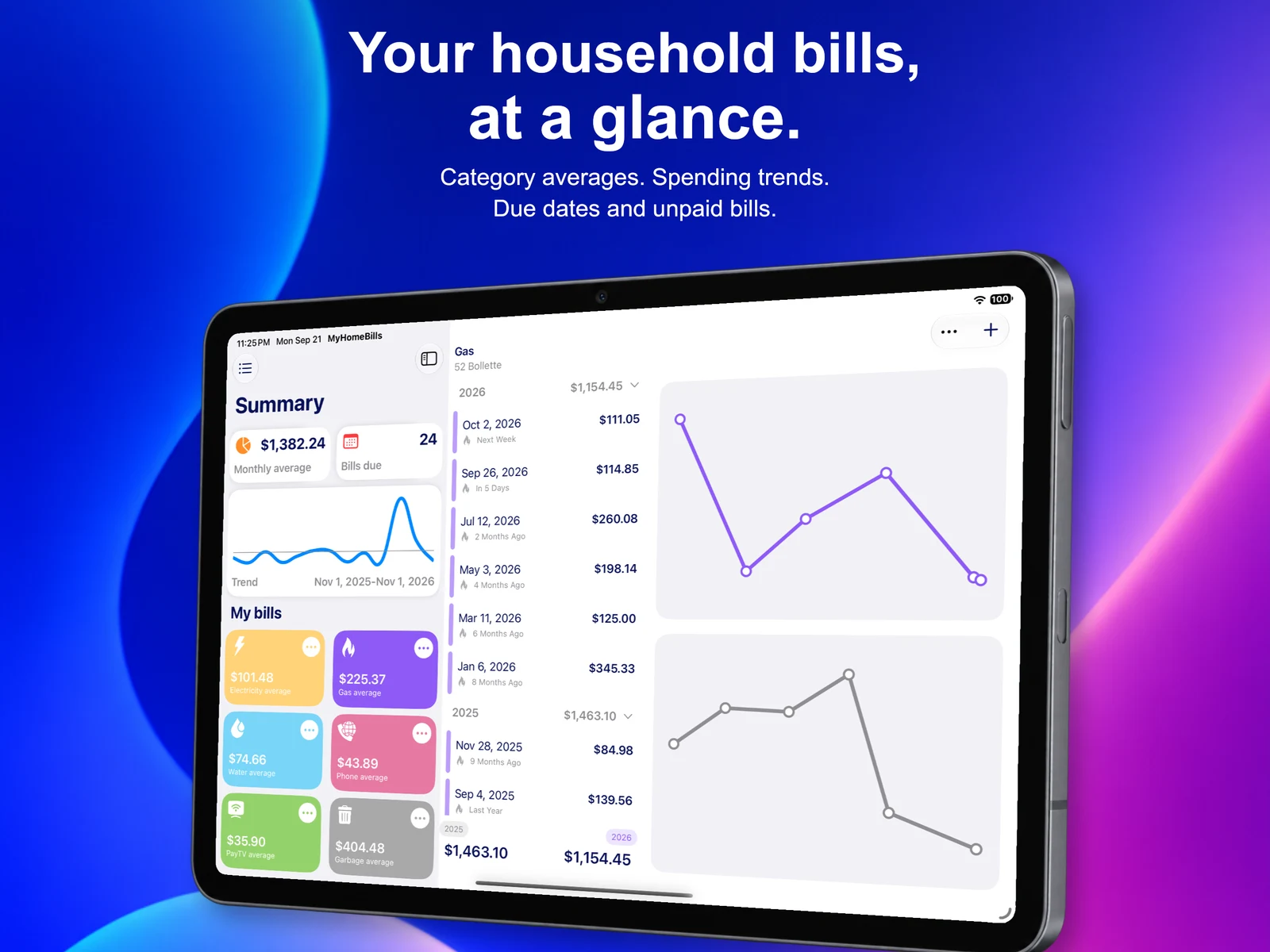
On your iPhone, wherever you are. On your iPad, with a bigger picture. Turn on iCloud sync to keep your bills together across your devices.

My Home Bills on iPad in English, showing the bill summary and categories.

A FEW ANSWERS BEFORE YOU START.

Good to know.

How do I add a bill?

In the app, tap “+” on the home screen or open a category. Enter the amount and due date, then add any attachments.

Can I keep my bills and receipts?

Yes. Attach PDFs and photos to your bills, so documents and payment receipts stay together.

Can I compare different years?

Yes. Browse statistics by year and compare spending trends in your category history.

Can I use it on iPhone and iPad?

Yes. My Home Bills is available for iPhone and iPad. Enable iCloud to keep your data in sync across your devices.

Where can I find pricing and subscriptions?

Current purchase options and prices are available in the app and on its App Store page.

A question? Let’s talk.

For a little help or more information, we’re here.

Contact support
My Home Bills

MAKE ROOM FOR SIMPLE

Your home.
One less thing to worry about.

Start organising your household bills with My Home Bills.

Download on theApp Store

Made for iPhone and iPad.